
See what is inside your Shipito package before you pay to ship it. Learn how content photos work, what they cost, and what to do with them.
Home > Blog > How Content Photos Help You Ship Smart
By George Matthews, Marketing Director
Last updated: November 3, 2026
A content photo is a picture of what is inside your package, taken at our warehouse before you ship. It lets you confirm the right item arrived, spot missing parts or damage, and fix problems while the box is still in the U.S. It costs $8 on a Free account or $5 with Premium.
There's a special kind of worry that comes with a package you cannot see inside. Maybe the sender's name is unfamiliar. Maybe the box looks lighter than it should. And international postage is too expensive to pay twice.
Luckily, our team at Shipito does everything we can to give you a shopping experience you can trust. When a package arrives at your Shipito address, you can request photos of what is inside before you decide to ship it or consolidate it.
These photos help when you do not recognize the sender, want to confirm the right item arrived, or need to check for damage before you pay to ship it overseas. Read on to learn how content photos work, how to request them, and how to use them to ship with confidence.
- Why does a mistake cost more once the package leaves the U.S.?
- How do you request content photos?
- What can content photos catch?
- What should you do after you see inside?
- FAQ
- Ready to ship it right the first time?
Why does a mistake cost more once the package leaves the U.S.?
A wrong item delivered to a home in the U.S. is a small problem. With international shipping, it gets much bigger. The moment a package leaves our warehouse, you have paid for its trip in one direction only.
Sending it back means paying for postage again, often at a higher rate, plus any duties already charged in your country.
The best way to avoid those fees and hassles is to check what is in your package before it ships. Content photos let you do that, so the second payment never happens. A few dollars for photos costs far less than a return trip.
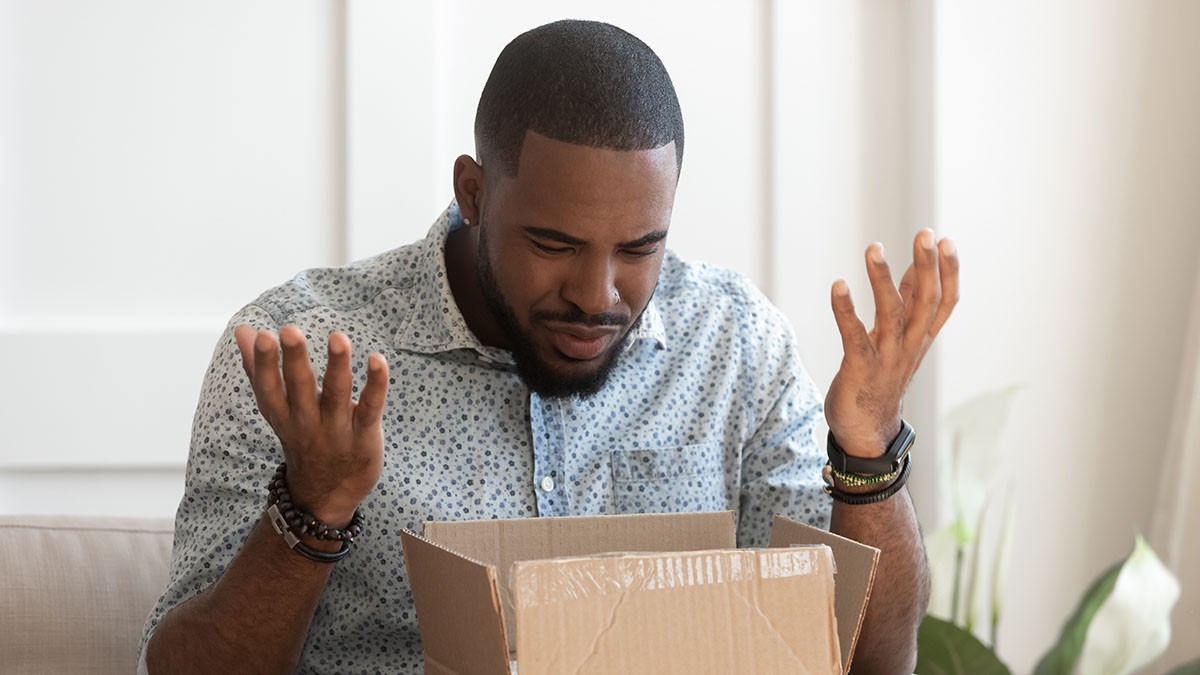
How do you request content photos?
You request photos inside your Shipito account, right next to the package. It takes less than a minute.
Where to find it in your account
- Log in and click "My Packages," then "Packages in Warehouse." Every package in your account is listed here.
- Find the package and click "Add Additional Services." A window opens with everything our warehouse can do with that box.
- Choose a photo option and click "Add This Service." Your request joins the queue in the order it was received.
- Need a photo of something specific, like a serial number or a model sticker? Explain it under "Other Instructions."
We let you know by email and with a notice in your account when the photos are ready, so you do not need to keep checking.
One photo or multiple photos?
There are two kinds of photo requests. Here is how they compare:
- One photo: We open the box, lay the contents out on a table, and take one wide shot. It answers the basic question: what arrived?
- Multiple photos: Close-up photos of each item, a photo of the packing slip or invoice if one is in the box, and clothing labels so you can check sizes.
- Large items: If the contents do not fit on a 91 x 91 cm table, the request is upgraded to multiple photos automatically.
- Sealed boxes: Neither option breaks factory seals. A sealed phone or game console is photographed as a sealed box.
How much do content photos cost, and how long do they take?
Content photos cost $8 on a Free account and $5 with Premium membership. Packages with more than 5 items are charged the special request rate of $15 for every half hour of work.
Photos take up to 2 business days (Monday to Friday in the U.S., not counting U.S. holidays).
In a hurry? Express Processing costs $8.75 on a Free account and $5.50 with Premium. It moves your request to the front of the line, and our goal is to finish it within 4 to 6 hours.
What can content photos catch?
Most of the time, content photos simply show that everything is correct. But sometimes they catch a problem before your package reaches your door. These are the most common ones:
- The wrong item: The store sent the wrong color, model, or product, and the photo shows it before the box crosses a border.
- Missing parts: Chargers, mounting hardware, and manuals go missing more often than the main item does.
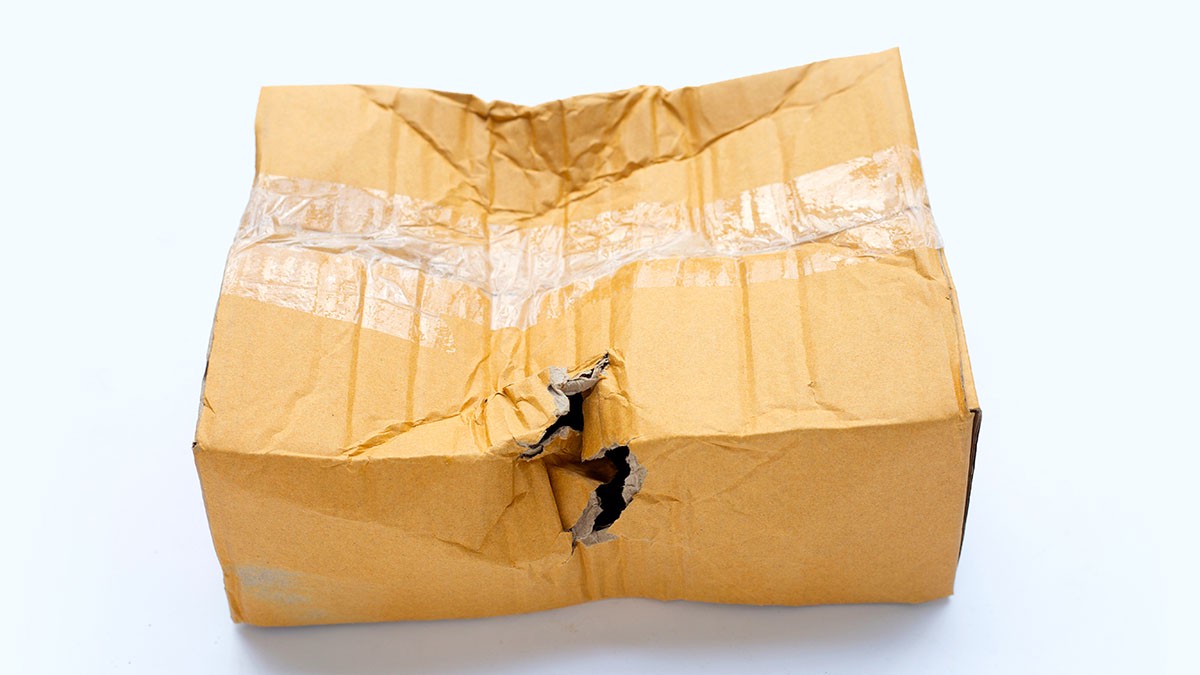
- Shipping damage: A dented corner on the outside of a box tells you little. A cracked screen in a content photo tells you everything.
- An unfamiliar sender: Marketplace orders often ship from third-party sellers with names you have never seen, and gifts arrive with no warning at all.
- The wrong size: Clothing labels in a multiple photo request show whether the size on the tag matches the size you ordered.
Each of these is cheap to fix while the package is still in our warehouse. Once your package is in your country, a return can be expensive.
What should you do after you see inside?
Content photos only help if they guide your next step. Whether the photos show exactly what you ordered or something that does not match, here is what to do.
Option 1: Ship it
If the photos match your order, your package is ready to go. All you need to do is:
- Choose a carrier. The shipping calculator shows what each one charges.
- Fill in the customs declaration.
- Pay for shipping.
Shipping rates depend on weight, size, destination, and declared value.
Planning to buy damage insurance? Our team takes content photos whenever damage insurance is purchased. If you already have photos, you will not pay for a second photo request. If you do not, a content photo request is added to the package for you.
Option 2: Hold it for consolidation
Shipping several packages? If they are all correct and headed to the same address, consolidating them into one box lowers your postage. The fee is $5.50 per package on a Free account and $3.25 with Premium.
Any package with a problem in its photos can stay out of the box until the store fixes it. That way, one bad order does not hold up your good ones.
Consolidation requests take up to 2 business days, so photos and consolidation together usually fit within the same week.
Option 3: Contact the store
Do the photos show an item you do not remember ordering, or one that does not match? Contact the store right away. The return is arranged directly with the seller under their return policy, and clear content photos are strong evidence when you ask for a replacement or refund.
Your quick check before you pay to ship
This takes about two minutes. Open your order confirmation email and compare it with the photos:
- Item: The product, model, and color in the photo match the ones on the order.
- Quantity: Every unit you paid for is in the photo.
- Condition: No cracks, dents, leaks, or crushed retail boxes.
- Size or option: The label on the tag or box matches the option you chose at checkout.

FAQ
What are package content photos?
Package content photos are pictures of what is inside a package, taken by the Shipito warehouse team before you ship it. You can choose one wide photo of all the items or multiple close-up photos that also show the packing slip and clothing labels. They help you confirm the right item arrived and spot damage or missing parts while the package is still in the U.S.
How much do content photos cost at Shipito?
Content photos cost $8 on a Free account and $5 with Premium membership. Packages with more than 5 items are charged the special request rate of $15 for every half hour of work. Photos take up to 2 business days. If you need them faster, Express Processing costs $8.75 on a Free account or $5.50 with Premium, with a goal of 4 to 6 hours.
Will Shipito open a sealed product box?
No, not with a standard photo request. Both the one photo and multiple photos options stop at factory seals, so a sealed phone or game console is photographed as a closed box. If you need the product itself checked, explain what you need under "Other Instructions" as a special request. Special requests cost $15 for every half hour of work.
Do I need content photos to buy shipping insurance?
For damage insurance, yes. Content photos are taken whenever damage insurance is purchased, so the condition of your items is recorded before they leave our warehouse. If your package does not have content photos yet, a content photo request is added for you at the standard price of $8 on a Free account or $5 with Premium.
How does the photo wait affect my storage time?
Free accounts get 7 days of free storage, and Premium members get 45 days or more. Since photos can take up to 2 business days, they use a real part of a Free account's storage time. Request photos on the day your package arrives. That leaves you more time to decide whether to ship, consolidate, or contact the store.
Ready to ship it right the first time?
When you ship a package without looking inside, you only find out about a mistake after it reaches your door. Fixing it then means paying for postage twice and setting up a return from another country.
Content photos show you what arrived for $5 or $8, and they are in your account within 2 business days. That costs far less than shipping the wrong item twice.
Just placed an order? Log in to your Shipito account and request content photos for any package in your warehouse. New to Shipito? Sign up for your free U.S. address, check what Free and Premium include, and estimate your costs with the shipping calculator.

